主页

Disney's 12 Principles in UI motion

In Short

I explored how motion design can improve user experience and when it adds value to digital products.

Key Findings

  • Motion can make interactions feel more intuitive, fluid, and polished.
  • Motion should adapt to users, content, and context.
  • Images and icons can support richer effects, while text should remain simple and readable.
  • Transitions can be expressive, while information-revealing animations should stay subtle.

Overall, purposeful motion can improve both usability and product quality.

# UI Design# Motion

Design & Prototyping

I used Disney's 12 Principles of Animation to design UI motion, personify interactions, and create an additional layer of emotional engagement for users.

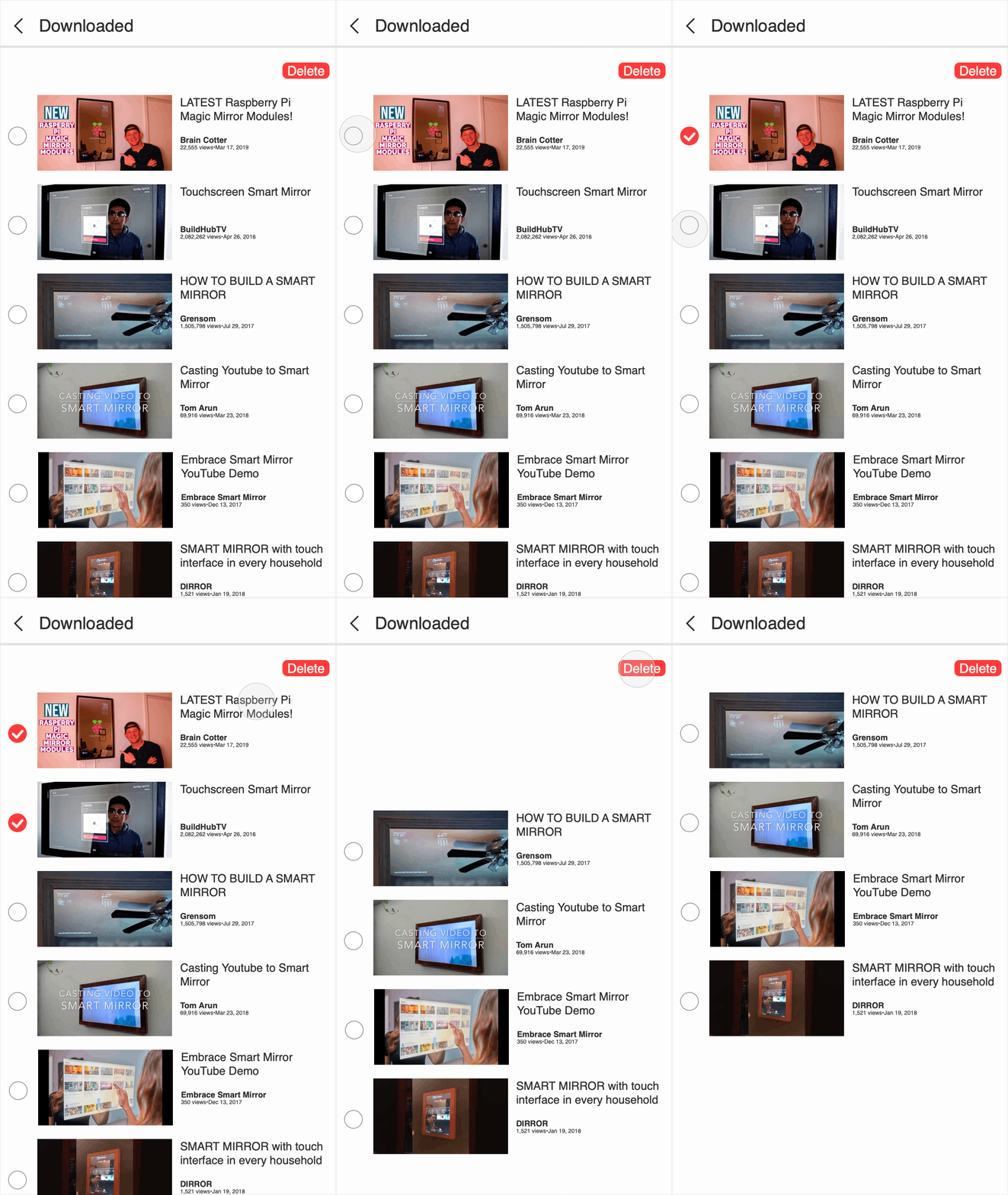
1. Anticipation

Low fidelity interface with anticipation
Lo-Fi
High fidelity interface with anticipation
Hi-Fi

With personality

Low fidelity interface without anticipation
Lo-Fi
High fidelity interface without anticipation
Hi-Fi

Without

More motions +

Research

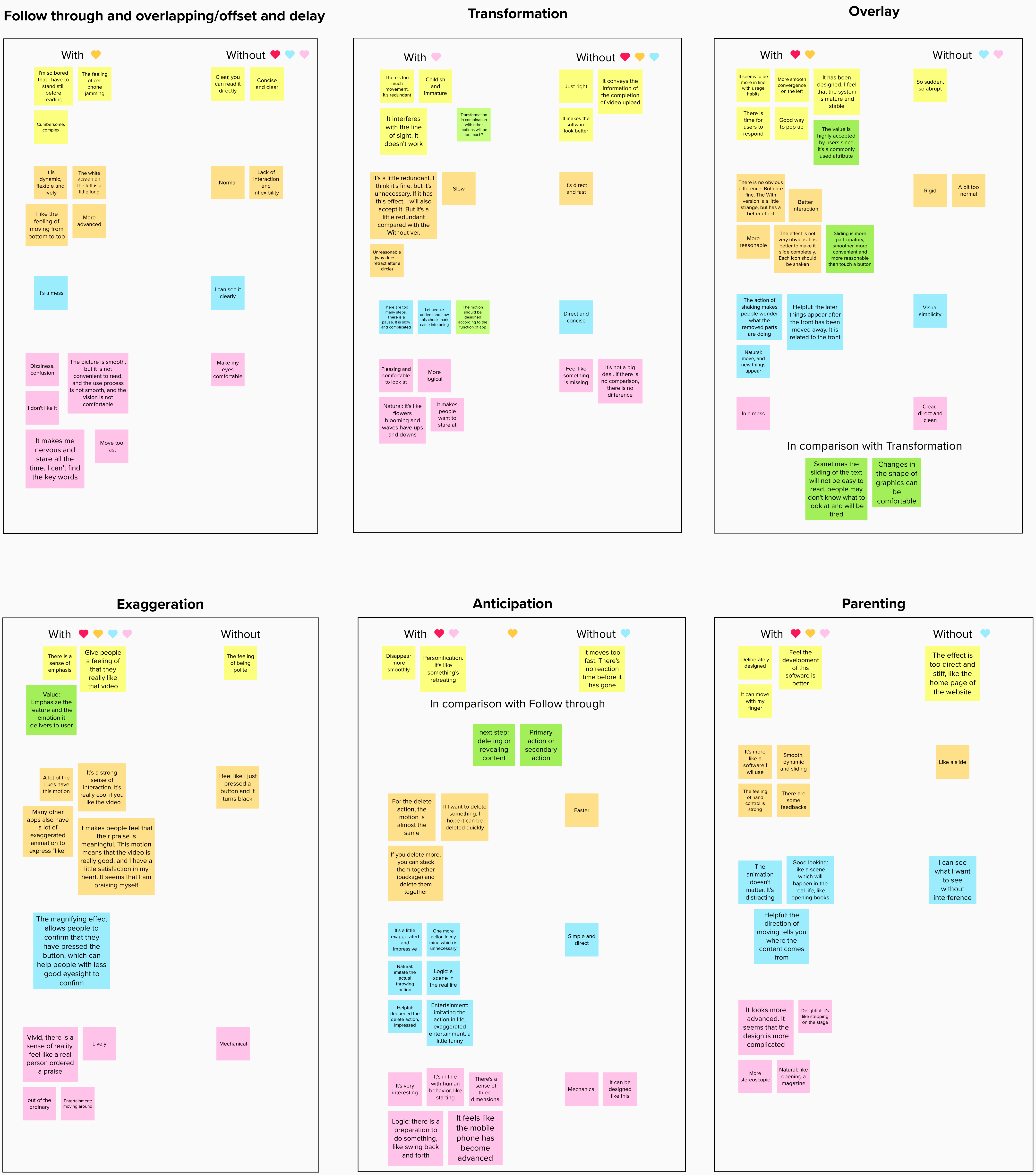
To investigate how diverse backgrounds influence motion perception, I conducted structured interviews with two young design and engineering professionals and two older adults without technical backgrounds. Participants evaluated six motion prototype groups through open-ended emotional feedback and structured attribute selection. I then synthesized the findings using affinity diagramming.

Affinity diagram of participant feedback
Different colors represent feedback from different participants.

Key Findings & Insights

Across the six motion prototypes, the research showed that perceived value depends on context, content, and the user's age and experience. These findings translate into concrete design decisions.

1. Anticipation

  • Feedback: Generally positive.
  • Rationale: Adds realism, fluidity, and playfulness.
  • Design implication: Calibrate timing carefully to avoid perceived lag.
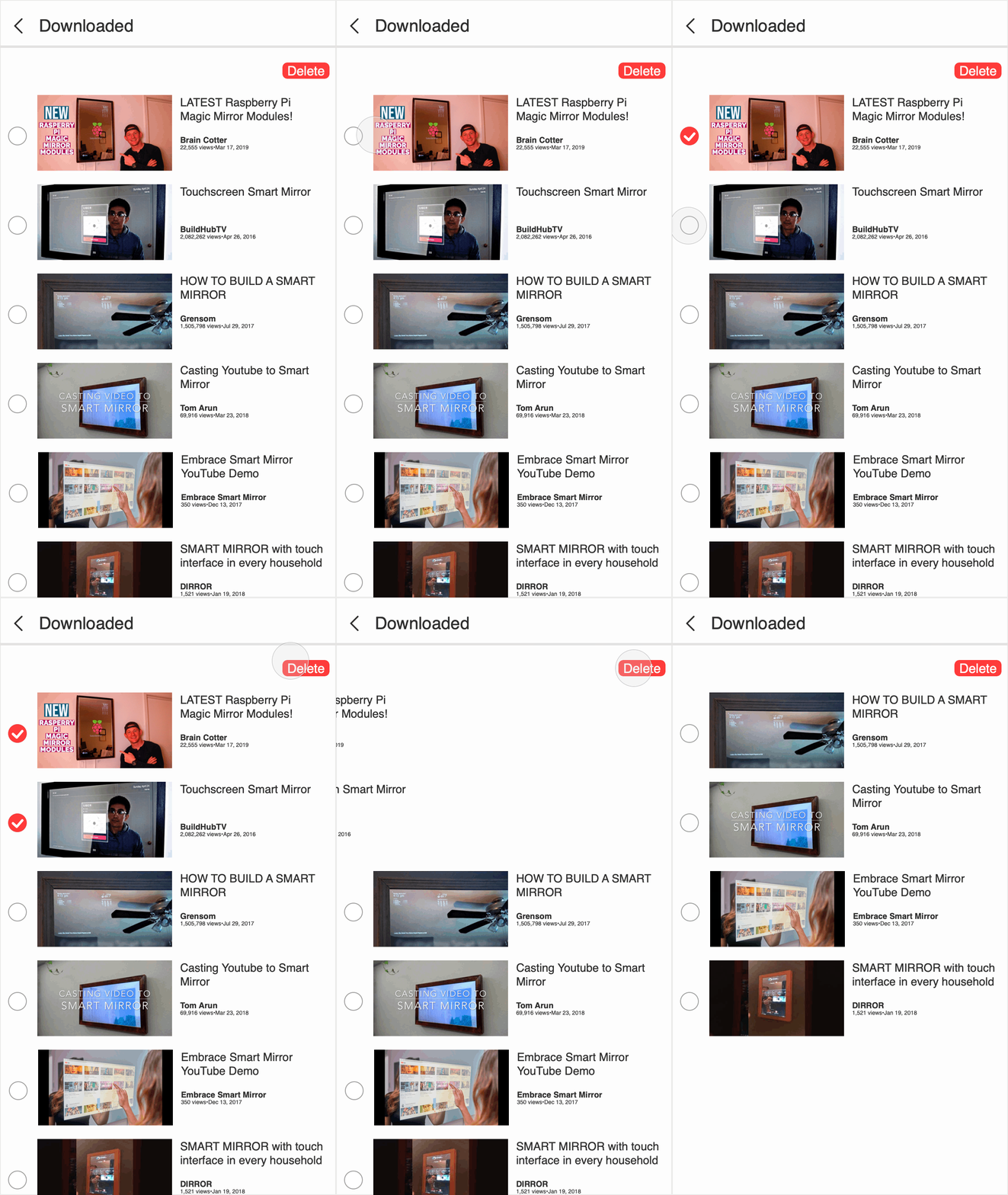
Anticipation motion prototype

2. Exaggeration

  • Feedback: Universally positive.
  • Rationale: Makes the Like interaction feel sincere and confirmatory.
  • Design implication: Add color shifts and layers to strengthen impact.
Exaggeration motion prototype

3. Follow-Through and Overlapping

  • Feedback: Generally negative.
  • Rationale: Moving comments created clutter and made reading difficult, especially for older users.
  • Design implication: Reveal the comments simultaneously.
Follow-through and overlapping motion prototype

4. Overlay

  • Feedback: Polarized by age.
  • Rationale: Younger users found it fluent and pleasant; older users found it messy.
  • Design implication: Match overlay motion to the target audience.
Overlay motion prototype

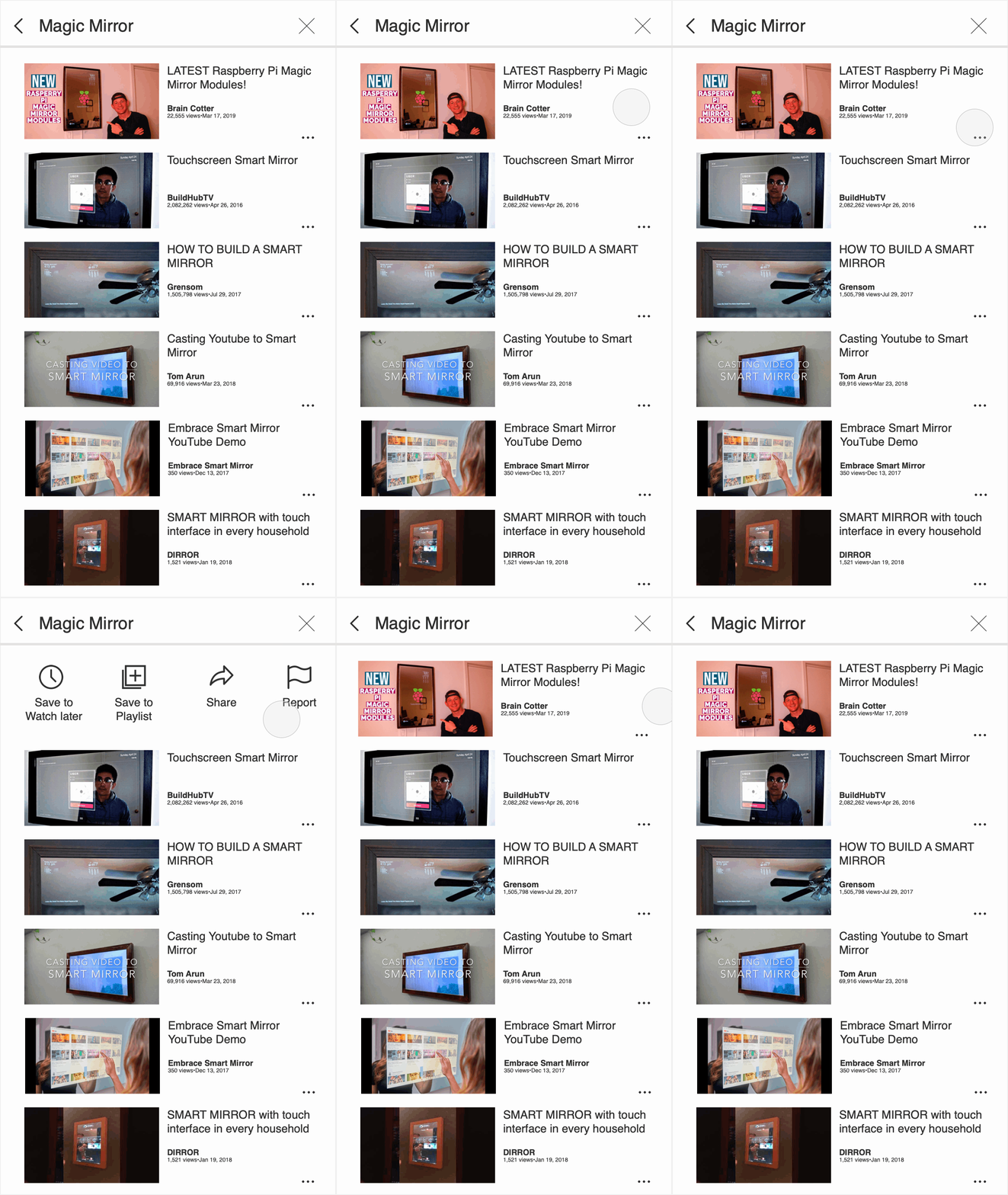
5. Parenting

  • Feedback: Generally positive.
  • Rationale: Signals deliberate interaction design and creates a delightful sense of control.
Parenting motion prototype

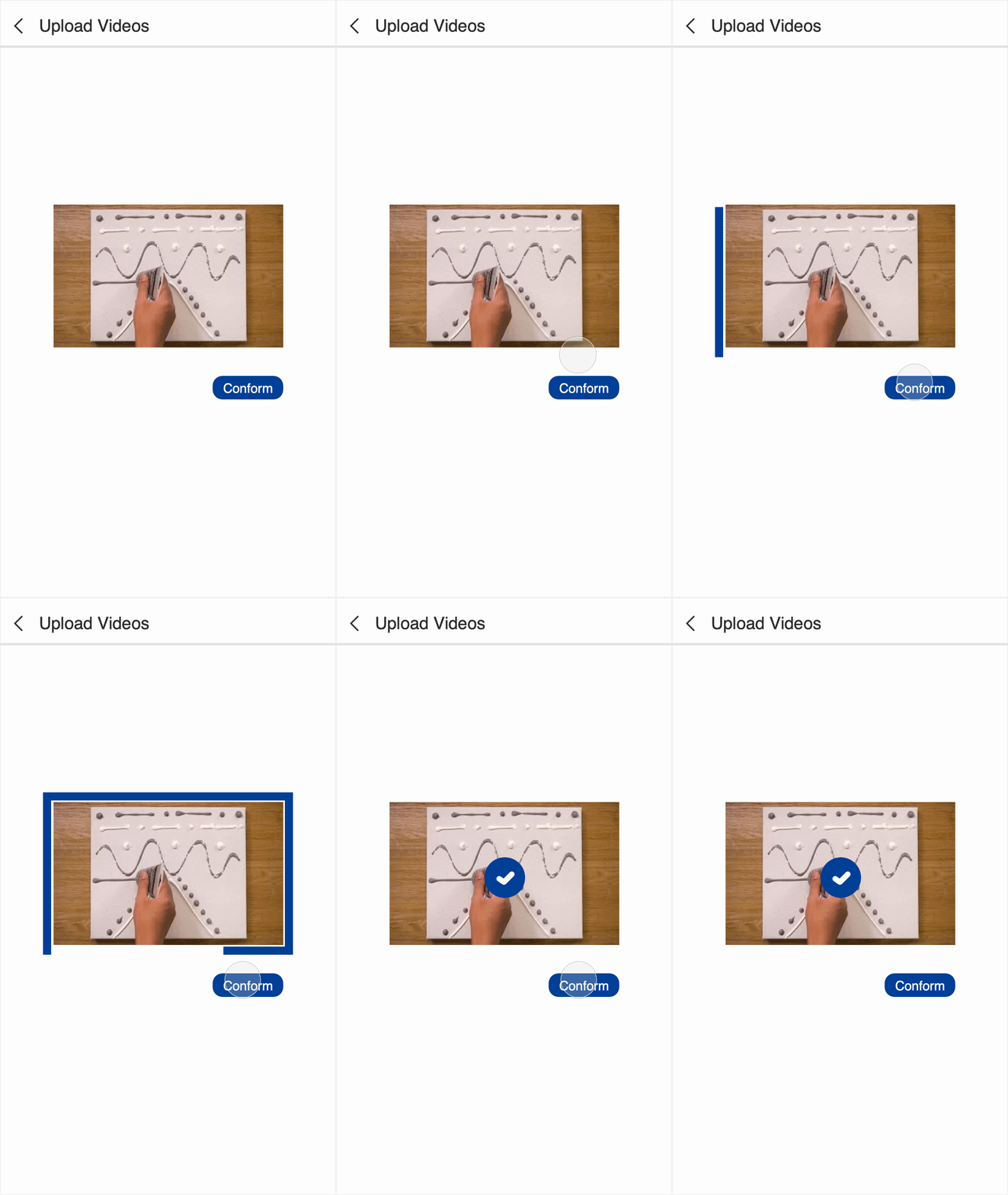
6. Transformation

  • Feedback: Generally negative.
  • Rationale: The progress line already confirms upload success, making transformation redundant.
  • Design implication: Remove it when other signals already communicate the result.
Transformation motion prototype